Many beneficiaries of the Benazir Income Support Programme (BISP) face difficulties when collecting their quarterly installments. While you can visit designated centers, using an ATM is the fastest way to get your money. In this guide, we will show you exactly how to withdraw your 8171 cash safely.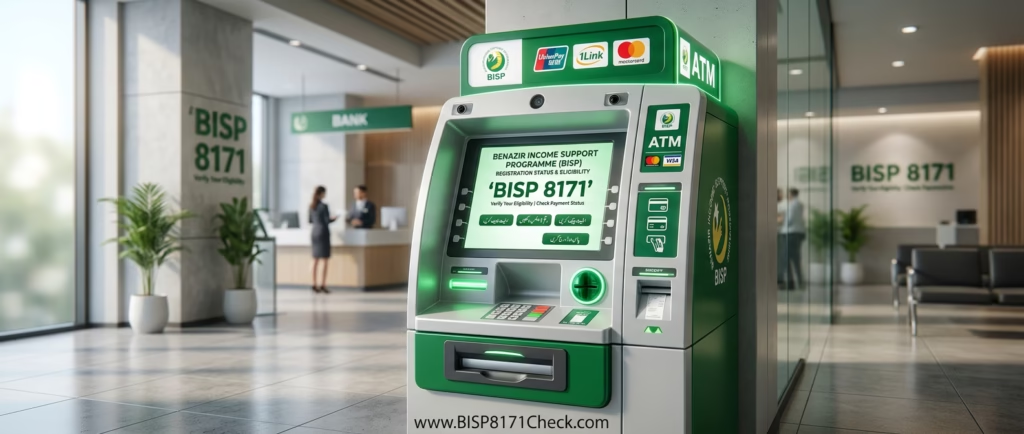
Required Documents
- Original CNIC (Computerized National Identity Card).
- Registered Mobile SIM (for 8171 SMS verification).
Step-by-Step Guide: How to Withdraw BISP Cash
- Visit the Correct Bank: Go to an HBL ATM (in Punjab, Sindh, Balochistan, Islamabad) or Bank Alfalah ATM (in KP, Gilgit-Baltistan, AJK).
- Select Language: Touch the screen and select Urdu for easier navigation.
- Choose BISP Option: Look for the “BISP” or “Benazir Income Support” button on the main screen.
- Enter CNIC: Type your 13-digit CNIC number carefully.
- Biometric Verification: Place your thumb on the biometric scanner when prompted.
- Withdraw Amount: Once verified, select “Cash Withdrawal” and enter the amount (e.g., 10,500).
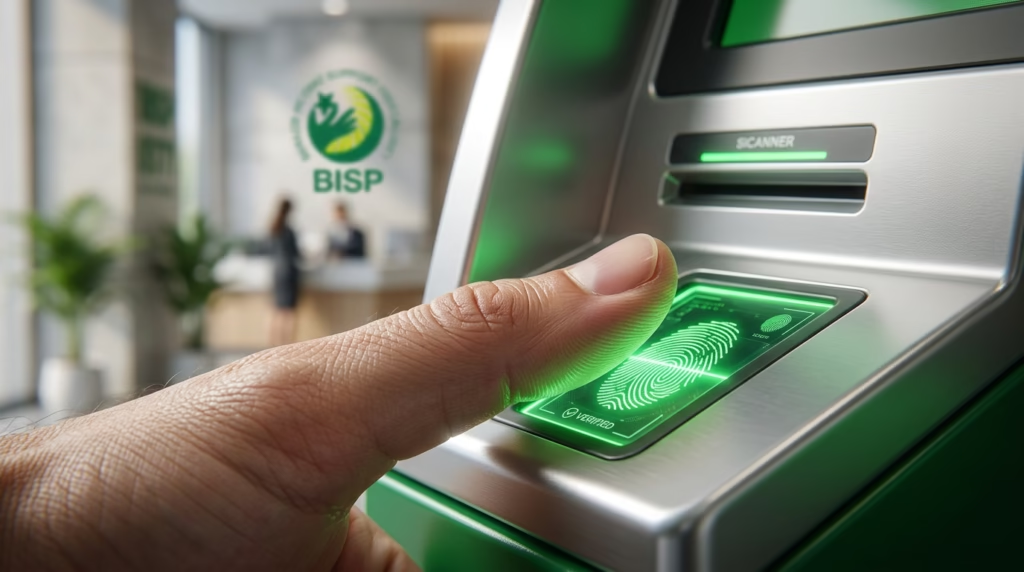
Pro Tip: Never share your thumb impression with strangers outside the bank. If the ATM is out of cash, try another branch immediately.
Internal Links
- Link to Home Page: “Before going to the ATM, make sure to Check 8171 Status Online to see if your payment has been released.”
- Link to Juvenile Card Post: “If you have children, don’t forget to register them via the NADRA Juvenile Card to get extra educational stipends.”
Arz Muhammad
03073695710
45204-8125206-3